AI assistants are getting genuinely useful for operational work. But for months, the barrier was the same: the AI knew about the world in general, but it had no way to know about your system specifically. Ask it why a call went unbilled, and it would give you a generic answer based on how billing systems typically work, not on what actually happened in your platform.
MCP changes that. It gives AI assistants a structured, secure way to connect to specific systems and retrieve real data, so that when you ask a question, the answer reflects your actual configuration, your actual traffic, your actual invoices.
JeraSoft has built a set of MCP tools for exactly this purpose. This article explains how MCP works, what it takes to use it effectively, and how JeraSoft’s four tools put it into practice.
Key insight: MCP is not a chatbot feature. It is an integration standard that turns an AI assistant into a knowledgeable colleague who has actually read your system’s data before answering.
What is MCP?
The Model Context Protocol (MCP) is an open standard introduced by Anthropic in November 2024 and now governed by the Linux Foundation. It defines a universal way for AI models to discover and interact with external tools, data sources, and services, without requiring custom code for each new integration.
Before MCP, connecting an AI assistant to a backend system meant writing a bespoke connector for every combination of AI model and tool. Ten tools across five AI platforms meant fifty custom integrations to build and maintain. MCP collapses this into a single protocol: build one MCP server per tool, and any MCP-compatible AI client can use it automatically.
How the architecture works
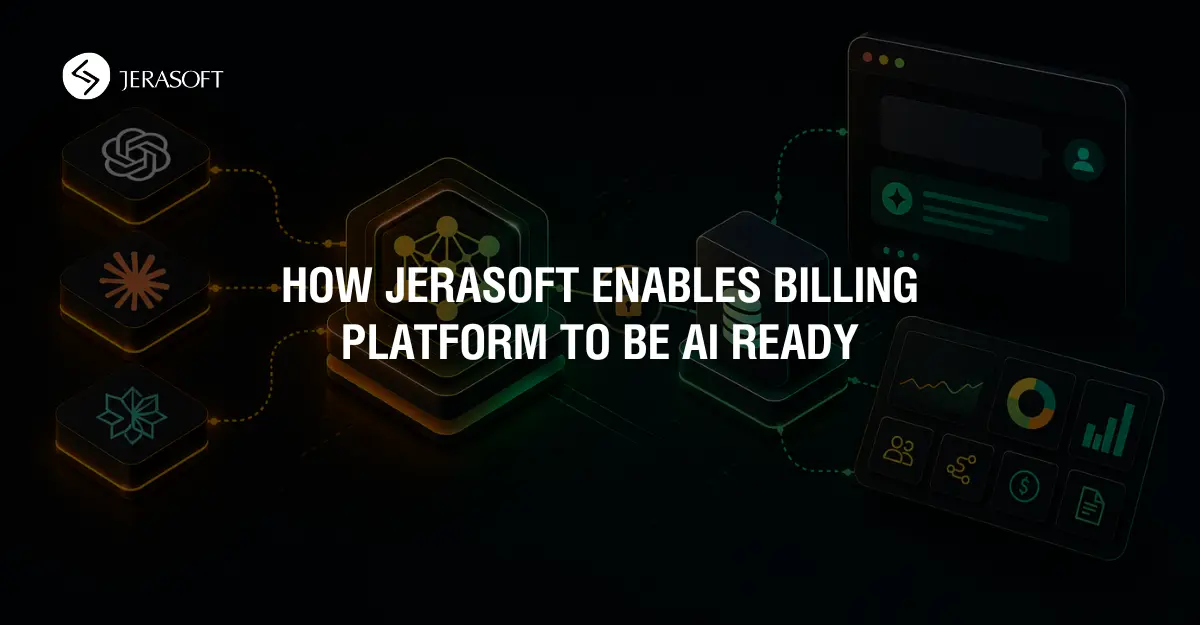
An MCP server gives an AI assistant a structured way to interact with an external system and understand its data. In practice, it acts as a bridge between the AI application and the platform it needs to work with – either as part of the system itself or as an additional integration layer.
AI applications such as Claude Desktop, OpenAI ChatGPT, or custom AI agents can connect to MCP servers to discover available capabilities, retrieve relevant information, and perform actions within the external system.
When a user asks a question, the AI determines which capability it needs, sends the request to the MCP server, receives the result, and uses that information to generate a response grounded in the actual system data rather than general assumptions.
MCP tools and AI skills
JeraSoft’s MCP implementation provides a set of specialized tools that allow AI assistants to access platform knowledge, retrieve operational data, and interact with the billing system in a structured way.
On top of these tools, AI applications use skills – predefined workflows or patterns that help the assistant understand how and when to use particular MCP capabilities to solve a user’s task. A skill may combine multiple tool calls, interpret the returned data, and present the result in a human-readable way.
For example, when investigating an unbilled call, the AI may use one skill to identify the relevant account information, another to analyze mismatches, and a third to explain the result in operational terms understandable to the billing team.
Together, MCP tools and AI skills allow the assistant to provide responses grounded in the actual system configuration and live operational data rather than generic assumptions.
Write operations, permissions, and auditability
Introducing AI write operations into a production billing environment should be done gradually. In most cases, the safest approach is to begin with read-only access, allowing teams to use AI for analysis, diagnostics, and operational support before enabling any configuration changes. Once workflows are validated and teams are comfortable with the results, write capabilities can be introduced step by step.
Control over permissions is equally important. Customers should be able to decide which MCP tools are available, which actions can be performed, and which users or teams can access them. AI integrations should follow the same permission model already used within the billing platform, ensuring that access remains limited according to operational responsibilities and each customer’s comfort level.
Auditability is critical for building trust in AI-assisted operations. Any action performed through MCP tools should be visible, reviewable, and logged so operators can clearly understand what the AI did and why. This transparency helps teams adopt AI capabilities with confidence, especially during the early stages of deployment, where read-only workflows often provide the safest and most practical starting point.
Take-away
MCP represents a practical shift in how billing teams interact with complex systems. Instead of navigating multiple screens to diagnose a routing issue or trace a mismatch, operators can ask a direct question and get a direct answer grounded in real system data.
JeraSoft’s MCP covers the most common operational questions: understanding the platform’s entities, diagnosing unbilled calls, explaining routing decisions, and managing traffic processing rules. Together, they give billing teams a faster path from question to resolution — without replacing the expertise and judgment that experienced operators bring to the work.
We don’t sell A-Z
Get professional advice
For general and sales inquiries regarding JeraSoft billing solutions, please contact the Sales Team at [email protected] or use the form and a team member will get back to you as soon as possible.
Please contact JeraSoft Support for any product or support related questions at [email protected] or visit JeraSoft Documentation.
FAQ
MCP, or Model Context Protocol, is an open standard that lets AI assistants connect to external systems and retrieve real data. In telecom billing, that means an AI assistant can answer questions based on your actual platform configuration, traffic, and invoices rather than relying on generic assumptions.
A regular chatbot responds from general training data. An MCP-enabled assistant can connect to your billing environment, use available tools, and ground its answers in live operational data. That makes the response far more useful for diagnosing real issues such as unbilled calls or routing mismatches.
JeraSoft’s MCP tools support common operational tasks such as understanding platform entities, diagnosing unbilled calls, explaining routing decisions, and managing traffic processing rules. Their value is speed – teams can move from question to answer faster without digging through multiple screens manually.
It can be, if introduced with the right controls. The safest approach is to start with read-only access, limit permissions by role, and make all actions visible and auditable. That allows teams to benefit from AI-assisted analysis while keeping control over risk and system integrity.